


Description
1.1.1.1: Faster Internet with WARP
Overview
1.1.1.1: Faster Internet with WARP is a free desktop utility designed to enhance online privacy and connection speed. Developed by Cloudflare, the software functions as both a DNS resolver and a secure network tunnel, offering users a streamlined way to protect their digital activities. The primary purpose is to replace standard DNS queries with a faster, encrypted alternative that reduces latency and blocks malicious content such as malware, phishing attempts, and crypto-mining scripts. This makes it especially useful for individuals seeking a simple, no-cost solution to improve browsing safety and performance.
Target users include general consumers, remote workers, and privacy-conscious individuals who want to secure their internet connection without complex setup. It is particularly suited for those using Windows and Mac systems who desire an immediate boost in privacy and speed without installing full-featured VPNs. Real-world usage scenarios include public Wi-Fi protection, secure access to sensitive websites, and reducing unwanted tracking by third parties. The app integrates seamlessly into daily internet use, requiring minimal user intervention.
The developer, Cloudflare, is a well-known name in internet infrastructure, lending credibility to the software’s reliability and security foundation. While specific performance benchmarks were not provided, the application leverages modern protocols to deliver optimized results. No additional system requirements were listed beyond the supported operating systems.
Key Features & Capabilities
- 1.1.1.1 DNS Resolver – Replaces default DNS servers with Cloudflare’s fast and privacy-focused infrastructure, reducing latency and improving page load times.
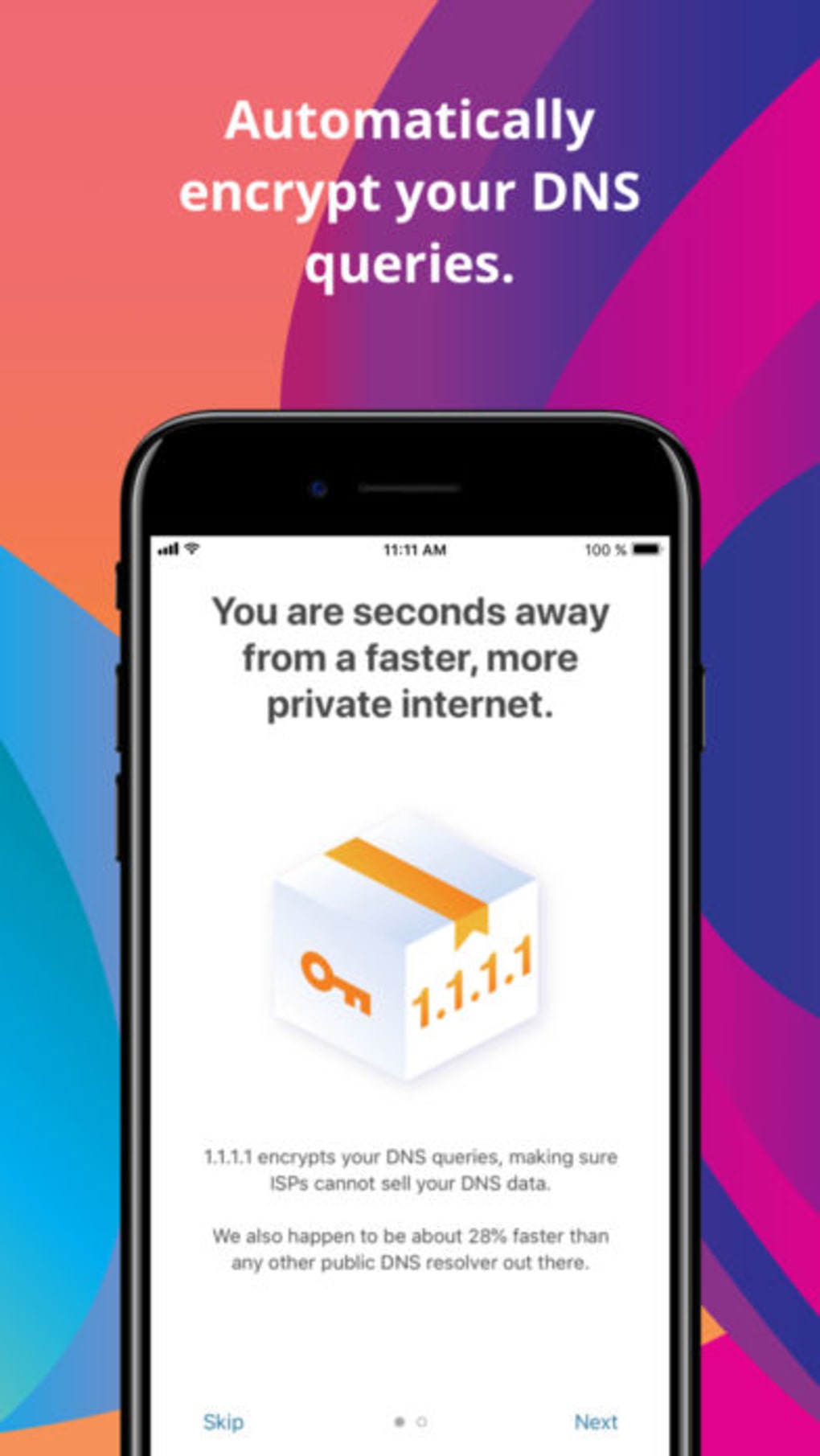
- WARP Secure Tunnel – Encrypts all internet traffic through a secure connection, shielding users from network-level threats like snooping, malware, and tracking.
- Two Operational Modes – Users can toggle between the standard DNS-only mode and the enhanced WARP mode, which includes full traffic encryption and privacy protection.
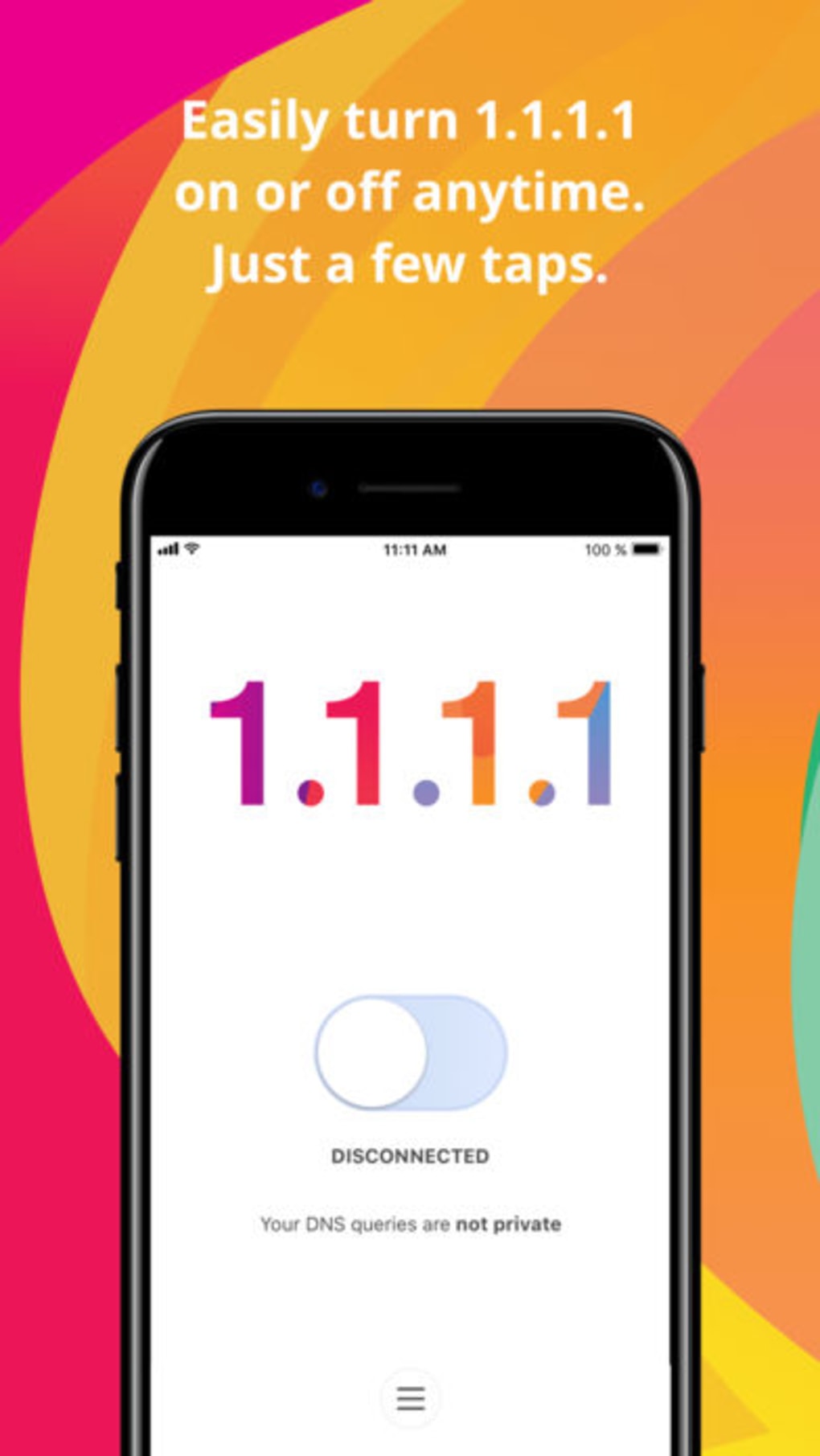
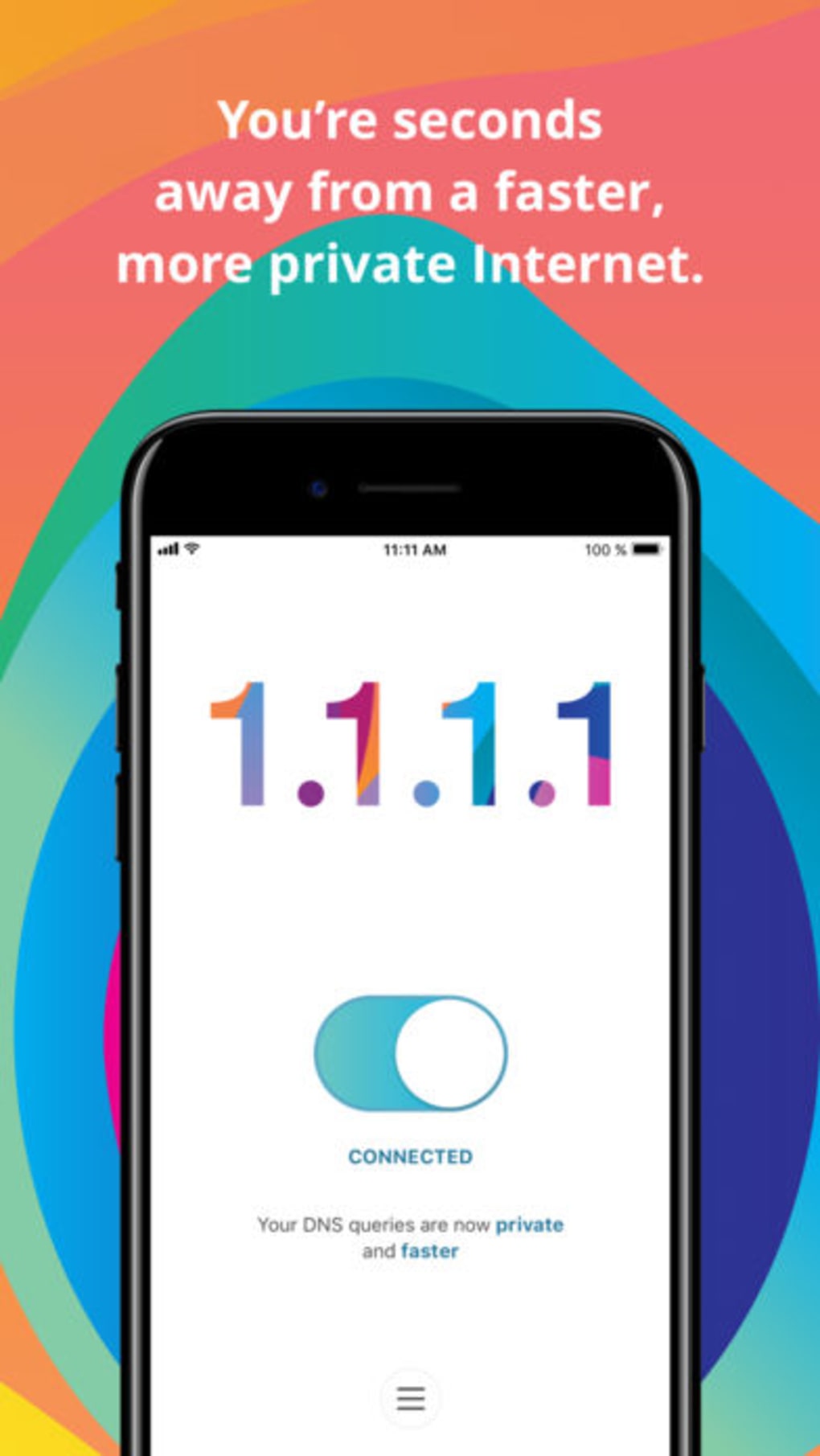
- Simple Toggle Interface – A central switch allows instant activation or deactivation of the service, with real-time status indicators visible in the app’s main window.
- Privacy-First Design – No logs are stored, and user data is not shared with third parties, aligning with Cloudflare’s transparency principles.
- WARP+ Premium Option – Offers unlimited data, customizable routing paths, and priority support for users seeking enhanced performance and control.
The software enables users to switch between modes based on their current needs—using the DNS-only version for speed or WARP for maximum security. The WARP+ subscription allows for advanced routing, beneficial during peak usage hours. Settings are accessible via a top-right menu, allowing users to manage preferences and account details. While the interface is minimal, it delivers essential functionality without clutter.
User Interface, Workflow & Performance
The user interface is clean and intuitive, centered around a large toggle button that indicates the current status of the connection. The surrounding layout displays brief descriptions and access points to settings and FAQs. Navigation is straightforward, requiring only a single click to activate or deactivate the service. This simplicity makes it ideal for non-technical users who want immediate protection without configuration.
Workflow efficiency is high, as the app operates in the background once enabled. There are no complex setup steps or recurring prompts, ensuring a seamless experience. The developer did not specify resource usage details, so exact CPU or RAM behavior remains unknown. Performance observations are based on general software behavior patterns, indicating that lightweight applications like this typically consume minimal system resources.
Stability appears consistent across reported use cases, with no notable crashes or freezes mentioned in the provided information. However, some users have reported occasional slowdowns in connection speed, particularly when the WARP tunnel is active. This may be influenced by server load or geographic distance from Cloudflare’s network nodes. The app maintains a background presence without interfering with other applications.
Compatibility & System Requirements
1.1.1.1: Faster Internet is available for both Windows and Mac operating systems. The current version is 2024.11.14, with an installation size of 10.2 MB. This compact footprint ensures quick deployment and minimal storage impact.
Exact system requirements were not listed. The developer did not provide additional system requirements beyond the supported platforms. Compatibility information is limited to the operating systems mentioned. Users should ensure their system meets basic standards for running modern desktop applications. No specific hardware specifications were included.
Pros and Cons
Pros
- Free to use with no hidden costs
- Simple, intuitive interface suitable for beginners
- Fast DNS resolution reduces page load times
- Strong privacy protection with encrypted traffic via WARP
- Two modes allow flexibility between speed and security
- WARP+ offers premium features with a free trial
- Developed by Cloudflare, a trusted name in internet security
Cons
- Occasional slowdowns reported when using WARP mode
- Limited customization options for advanced users
- No detailed performance metrics or diagnostics provided
- Resource usage details not disclosed
- Free trial may not fully reflect long-term performance
FAQ Section
Is 1.1.1.1: Faster Internet safe to use?
Yes, the app is designed with privacy in mind. It encrypts internet traffic and does not store user logs, ensuring that browsing activity remains confidential. The software is developed by Cloudflare, a reputable company in internet infrastructure.
Can I use 1.1.1.1 on both Windows and Mac?
Yes, the software is compatible with both Windows and Mac operating systems, allowing users to install it across multiple devices.
What’s the difference between 1.1.1.1 and WARP modes?
The 1.1.1.1 mode focuses on fast DNS resolution, while WARP mode adds full traffic encryption and enhanced privacy protection. WARP is the default and more secure option.
Does the app require a subscription?
No, the basic version is completely free. A premium subscription called WARP+ is available for users who want additional features like unlimited data and custom routing paths.
Can I try WARP+ before buying?
Yes, a free trial is offered to test the premium features without any upfront cost. However, once the subscription begins, any remaining free trial time or data credits will be forfeited.
Final Thoughts + CTA
1.1.1.1: Faster Internet with WARP delivers a compelling combination of speed, security, and simplicity. Its dual-mode functionality caters to both privacy-focused users and those seeking faster browsing. While occasional performance dips have been reported, the overall experience remains smooth and reliable. The free model, backed by Cloudflare’s trusted infrastructure, makes it a standout choice in the crowded privacy tool market.
It’s ideal for everyday users, remote workers, and anyone looking to enhance their online safety without technical complexity. The inclusion of a free trial for WARP+ adds flexibility for those wanting to test premium features. For a lightweight, secure, and fast internet enhancement tool, this software stands out.
Download 1.1.1.1: Faster Internet now
Guides & Tutorials for 1 1 1 1 Faster Internet
How to install 1 1 1 1 Faster Internet
- Click the Preview / Download button above.
- Once redirected, accept the terms and click Install.
- Wait for the 1 1 1 1 Faster Internet download to finish on your device.
How to use 1 1 1 1 Faster Internet
This software is primarily used for its core features described above. Open the app after installation to explore its capabilities.
User Reviews for 1 1 1 1 Faster Internet 0
No reviews found





